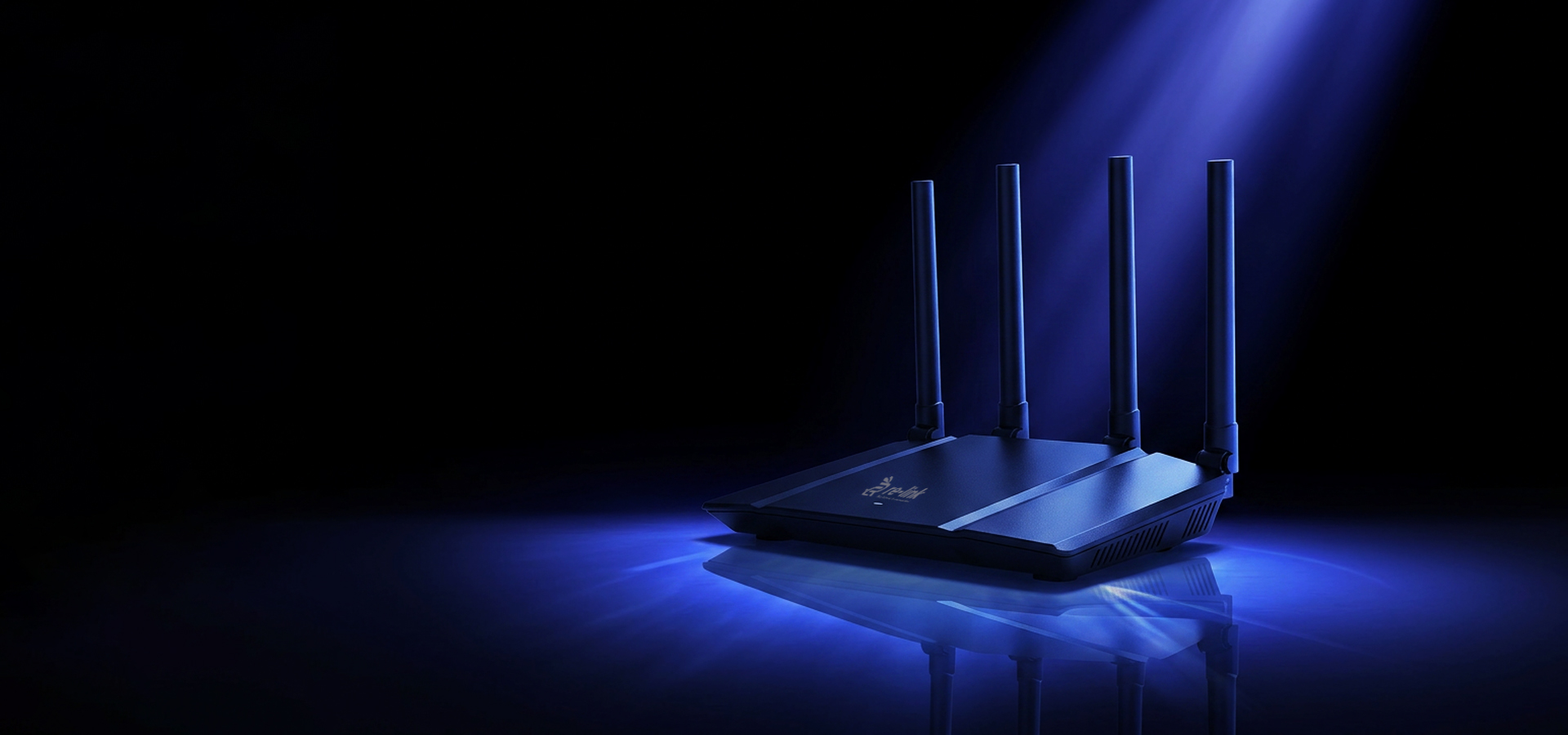
Wi-Fi 6: Everything You Need to Know
OFDMA, MU-MIMO, and BSS Coloring explained - the technology behind the fastest Wi-Fi standard before 6E.
Read Article
Choosing a router is harder than it looks. Marketing numbers are misleading, specs are buried in jargon, and the "fastest" router on the shelf is rarely the right fit for every situation. This guide cuts through the noise with a practical framework for matching a router to your actual needs.
Your router's wireless throughput needs to comfortably exceed your internet connection speed. If you're on a 500 Mbps fiber plan, a Wi-Fi 5 router with 1200 Mbps total throughput is more than adequate. If you've recently upgraded to a multi-gigabit connection, you need a router with a 2.5G or faster WAN port - most standard routers cap the internet connection at 1 Gbps even if the wireless radios could do more.
Coverage is about the physical space, not just signal strength. A single router placed centrally in a 100 m2 apartment will serve every corner reliably. The same router in a 300 m2 multi-floor house may leave dead zones in concrete-walled rooms or areas far from the router's antennas.
Key factors that reduce Wi-Fi range:
For spaces over 150 m2, or any multi-floor home, consider a Wi-Fi router with external high-gain antennas or move to a mesh system. The Re-Link RE3006 features four high-gain external antennas optimized to push signal through walls more effectively than standard internal designs.
Modern homes average 20-25 connected devices. Smart TVs, phones, laptops, smart speakers, security cameras, thermostats, and gaming consoles all share the same wireless spectrum. A router designed for 5-10 devices will show its limits as devices compete for airtime.
Wi-Fi 6 routers handle device density significantly better than Wi-Fi 5, thanks to OFDMA and enhanced MU-MIMO. If your household has more than 15 devices, Wi-Fi 6 is no longer optional - it's the right baseline.
Longer range, lower throughput, and heavily used by legacy devices and interference sources. Good for smart home devices that only need intermittent, low-bandwidth connections.
Shorter range, significantly higher throughput. The primary band for laptops, phones, and streaming devices within 15-20 meters of the router. This is where most of your high-speed traffic should live.
Even shorter range, but an entirely clean spectrum with no legacy device competition. Reserve this for your highest-priority, highest-bandwidth use cases at close range: VR headsets, gaming PCs, 4K streaming.
Don't overlook the wired side. Routers with gigabit LAN ports are standard. If you connect a NAS, gaming PC, or work laptop via Ethernet, make sure the router has enough ports - and that they match your cable speeds. For multi-gigabit internet connections, confirm your router has a 2.5G WAN port.
The Re-Link WR3002 is our entry-level dual-band router, ideal for apartments and single-floor homes. The WR3005 steps up with enhanced coverage and more device capacity. For maximum performance, the RE3006 is our Wi-Fi 6 flagship - the right choice for busy households, home offices, and small businesses demanding reliable high-throughput wireless networking.
OFDMA, MU-MIMO, and BSS Coloring explained - the technology behind the fastest Wi-Fi standard before 6E.
Read Article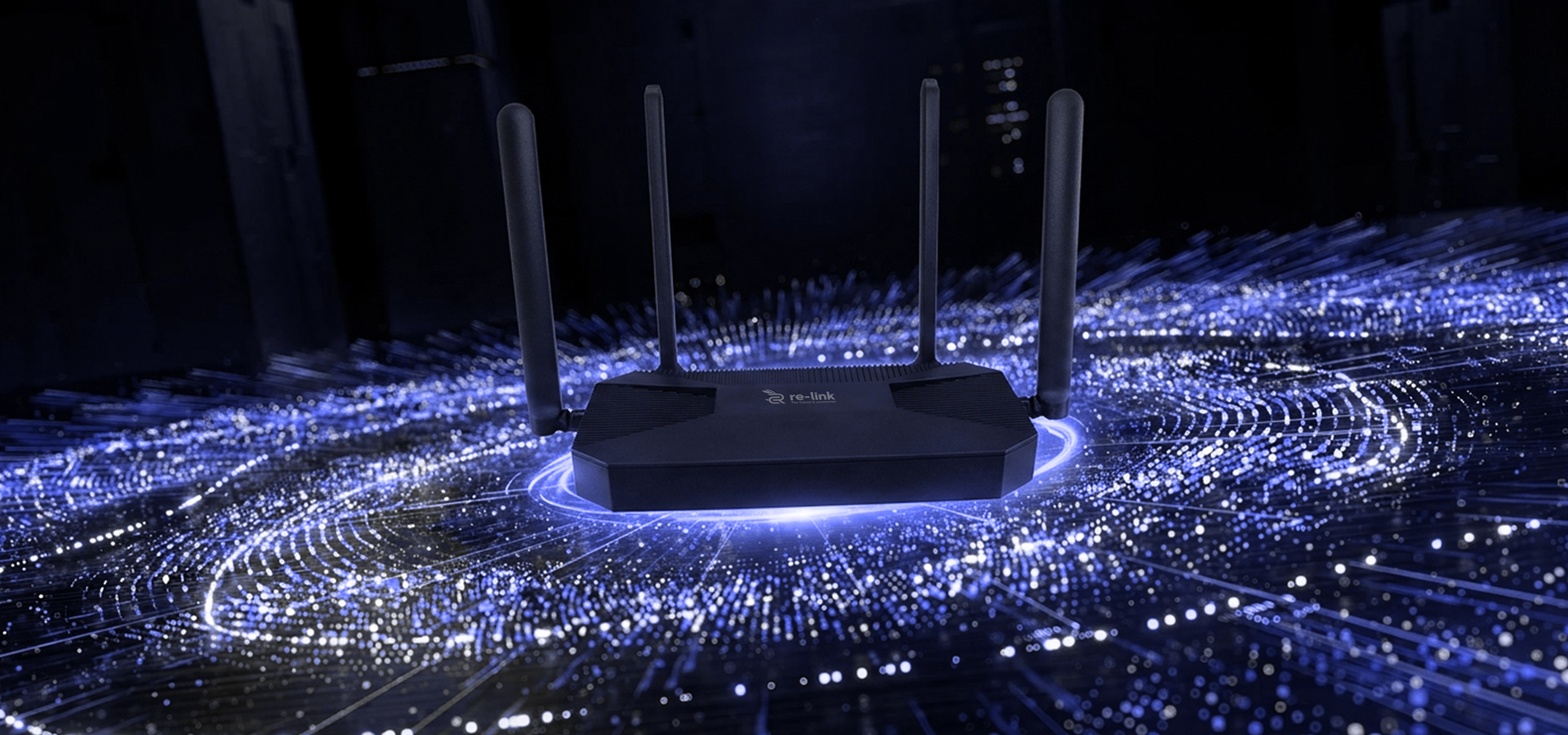
Mesh systems promise seamless coverage - but a single powerful router often beats them on throughput.
Read Article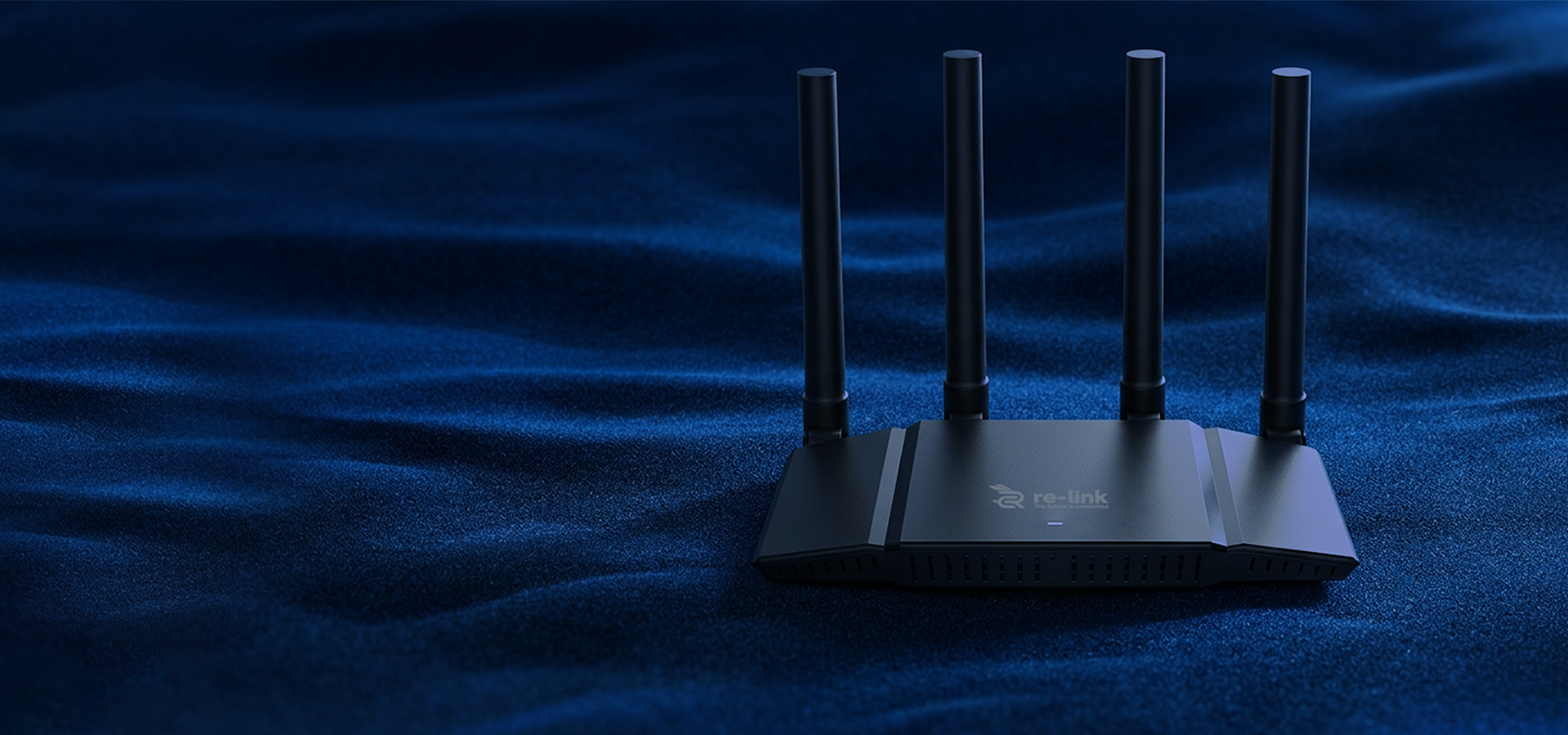
SAE, forward secrecy, and stronger encryption - here's what WPA3 actually protects you against.
Read Article